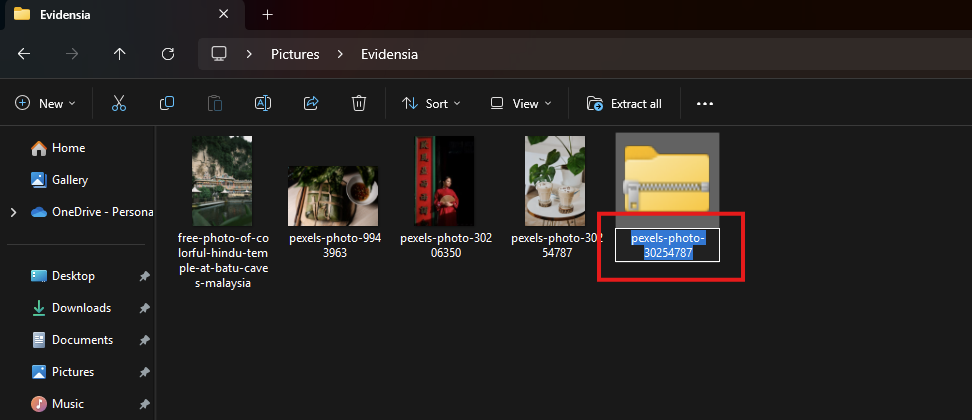
How to zip files or folder in Windows 11?
The best and easiest way to zip a folder in Windows 11 is with File Explorer. You can combine all the files you want to zip into a regular folder and then choose to zip the entire folder. You can also choose to compress files individually.
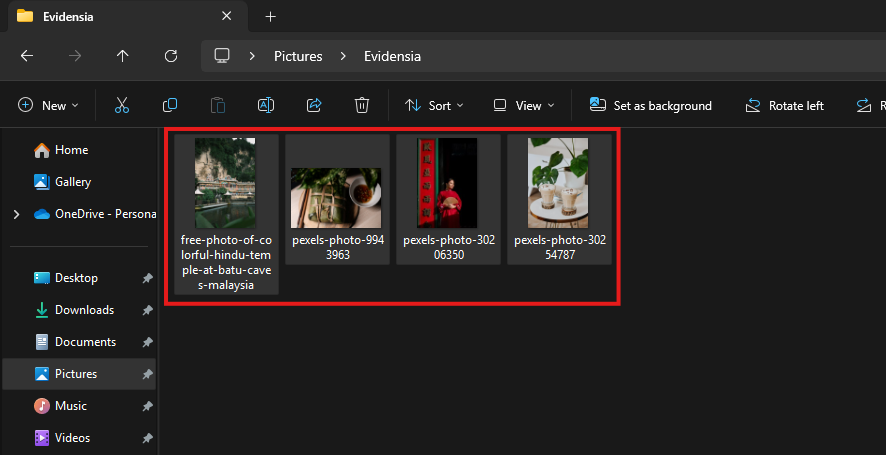
1. Find the files to zip. If you want to zip a bunch of files, then move them into the same folder.
2. Selecting files to zip in Windows 11 File Explorer.
3. Right-click on the file or folder that you want to zip.
4. Select Compress to ZIP file from the dropdown menu.
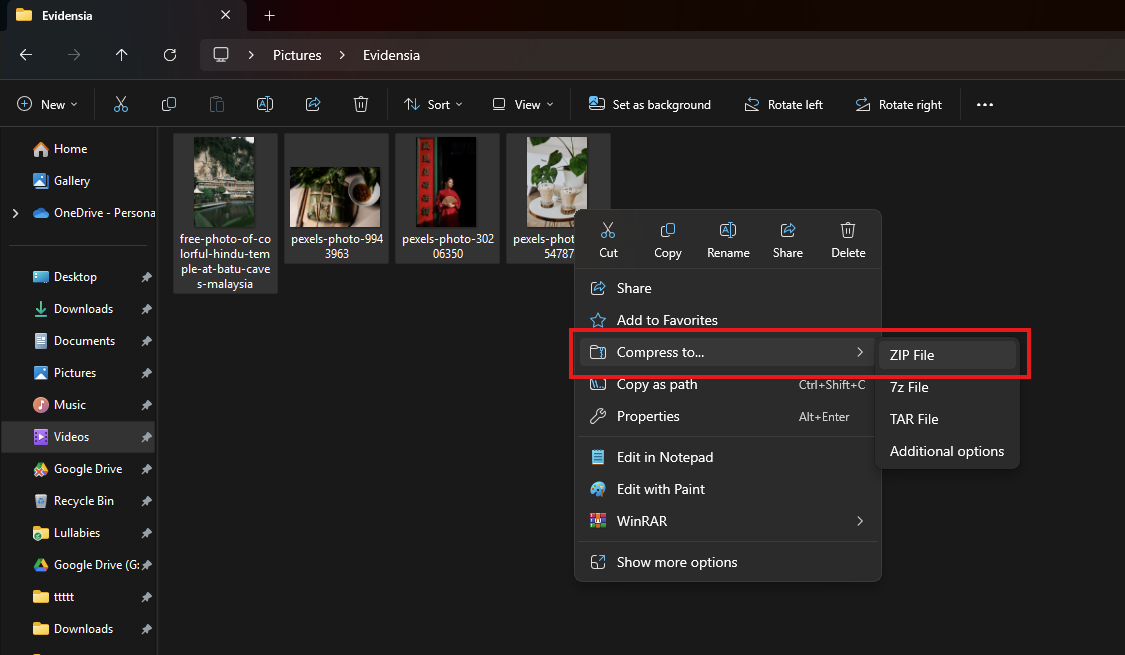
5. Zip Folder in Windows 11 dropdown menu with compress file.
6. Name the newly zipped folder.